
Rootegra Academy · Guide
The Rootegra Academy guide
How to set up the app, how to do each thing in it, and what a mentor and an apprentice each take on. Pick your chair below, or go straight to the questions.
New here? Start with the page for your side of the chair.
On this page
01Pick your chair
Everyone comes to the Academy from a different seat. Choose yours and this page lines up your first moves and the questions people in your seat ask most.

Mentor or salon owner
You are training an apprentice
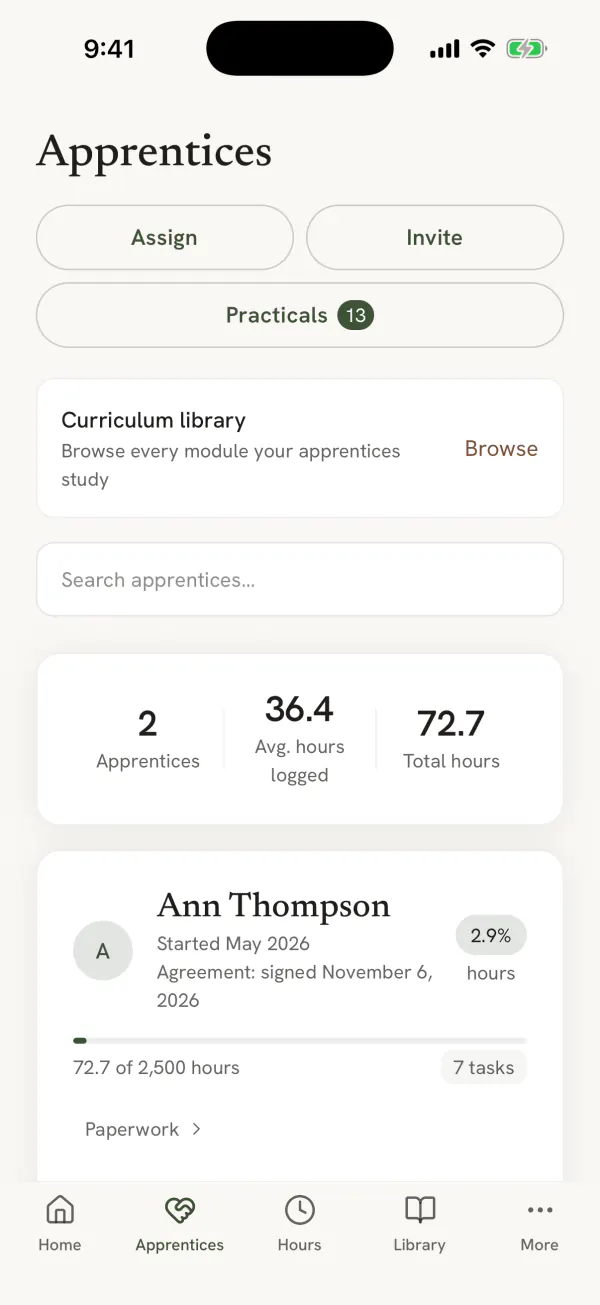
Create the account, name the salon, choose a plan, invite your apprentice, and run the day to day: hours, modules, practicals, tasks, and the export.
Mentor guide
Apprentice
You were invited by a salon
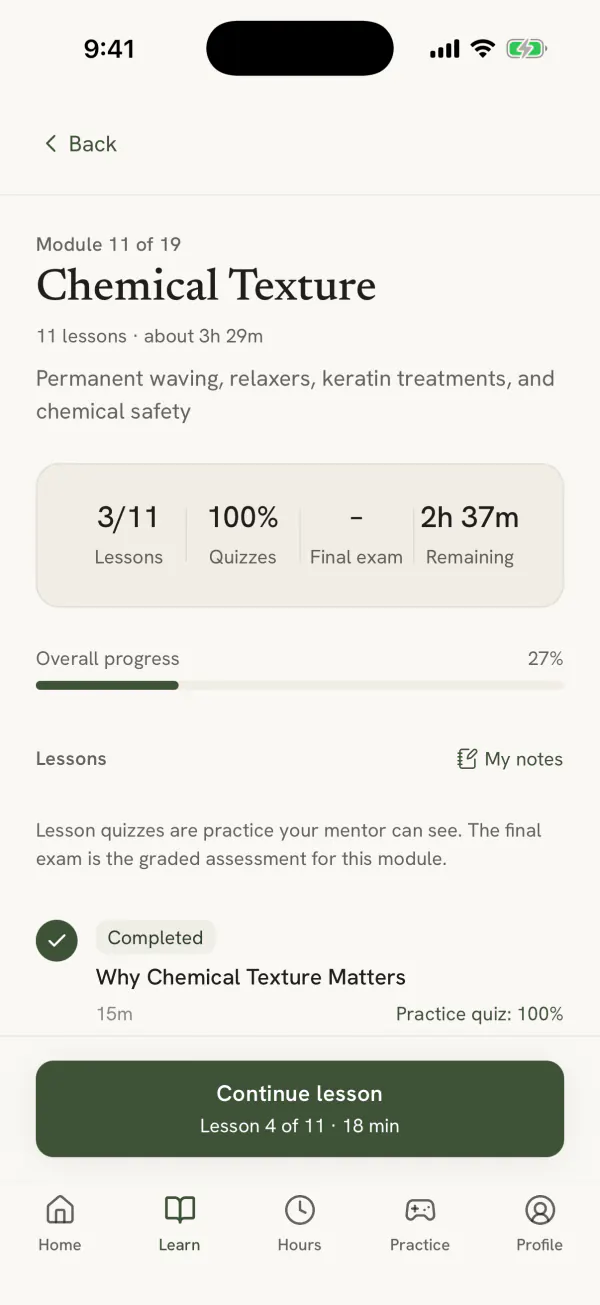
Join with your invitation code, get registered with your state, clock in, study the lessons, practice, and get signed off.
Apprentice guide
Studying on your own
You have no salon yet
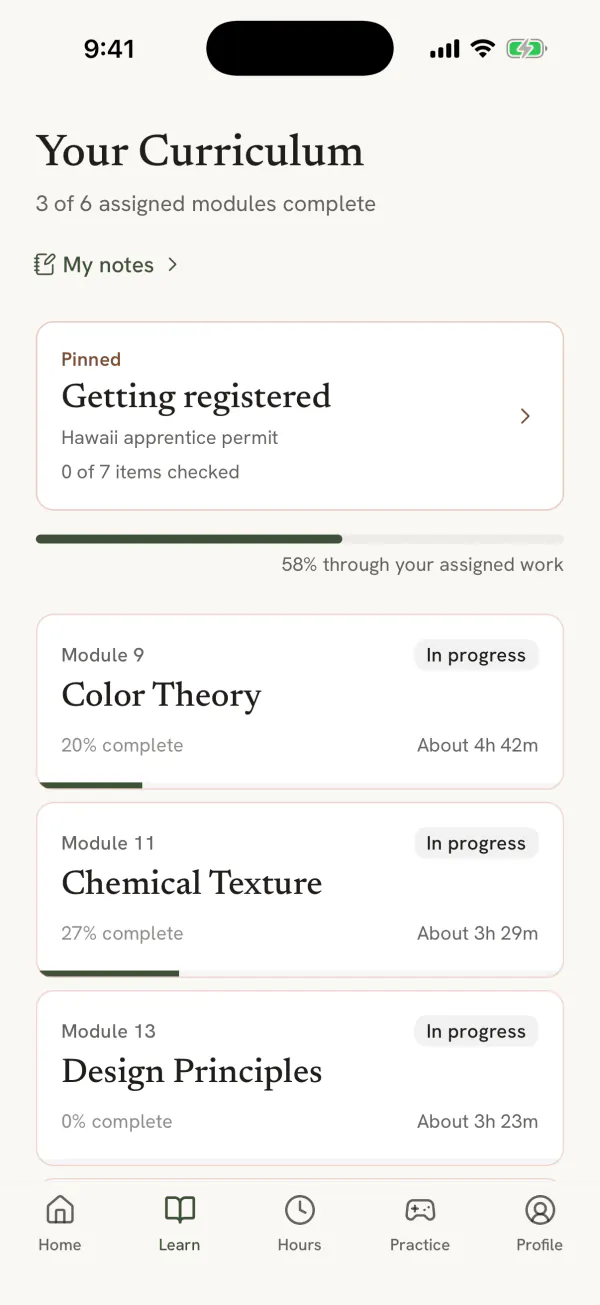
Read the free chapter, open every module with a Study plan or a seat code, and join a salon later.
Study on your ownYour chair: mentor
Your first week, in six checks
Home in the app keeps the same list and checks each row off as you finish it. Check them here too; this page remembers them on this device.
Every row checked. Your apprentice is in good hands.
Your chair: apprentice
Your first week, in six checks
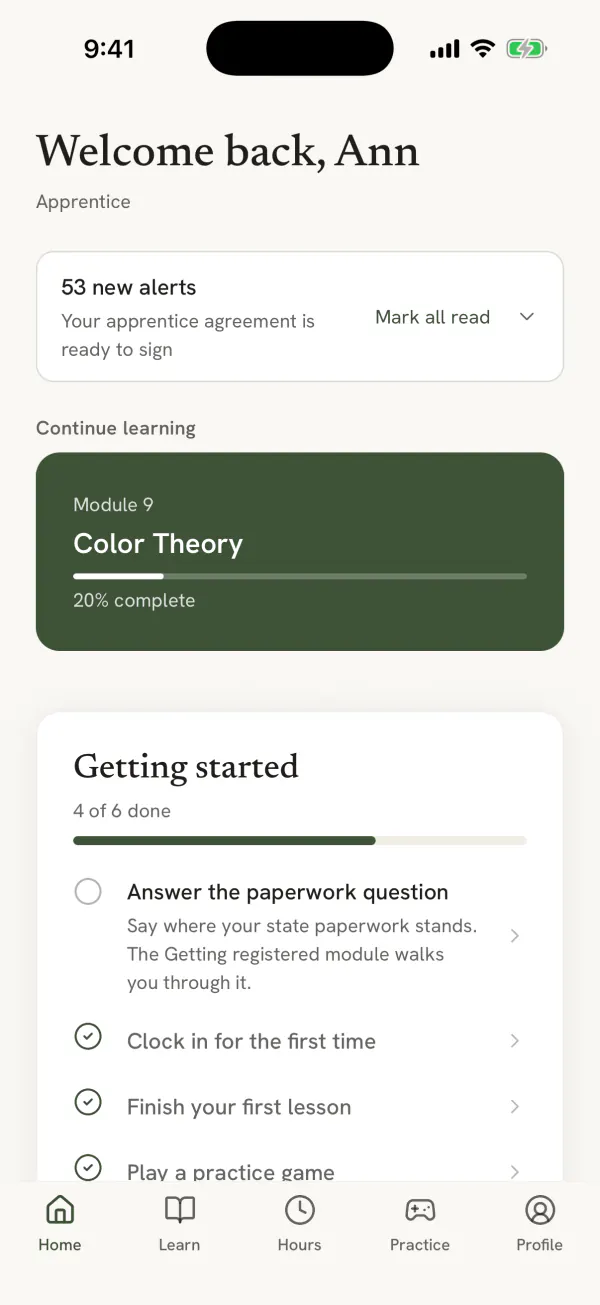
Your Home screen keeps this list and checks each row off as you finish it. Check them here too; this page remembers them on this device.
Every row checked. Now the real work starts.
Your chair: studying on your own
Start before you have a salon
You can study the theory now and bring it to a salon later. Check these off as you go; this page remembers them on this device.
Every row checked. You are ready for the floor.
02What it is, and what it is not
Rootegra Academy is an iPhone app for a salon apprenticeship. A licensed stylist, the mentor, trains an apprentice in their own salon.
The apprentice studies the lessons, practices the skills, and logs hours from the salon. The mentor approves the hours and signs off the practicals. The app keeps the record in the layout the state board expects.
What it does
- Teaches the theory in your state’s curriculum, lesson by lesson, with a quiz after each lesson and an exam after each module.
- Records hours clocked in at the salon, each one approved by the mentor.
- Records practical sign-offs, with the mentor’s name and the date.
- Walks the apprentice through the state paperwork in the Getting registered module.
- Exports hours, progress, and sign-offs as a PDF with the permit or license number in the header.
What it does not do
- It does not register an apprenticeship. The state board does that, and in California a program sponsor is required.
- It does not issue a license or any credential. Finishing modules does not by itself meet any state requirement.
- It does not replace the classroom hours a state requires, such as California’s 220 hours of related training from the sponsor.
- It does not replace the mentor’s hands-on teaching on the salon floor.
03How it works, in brief
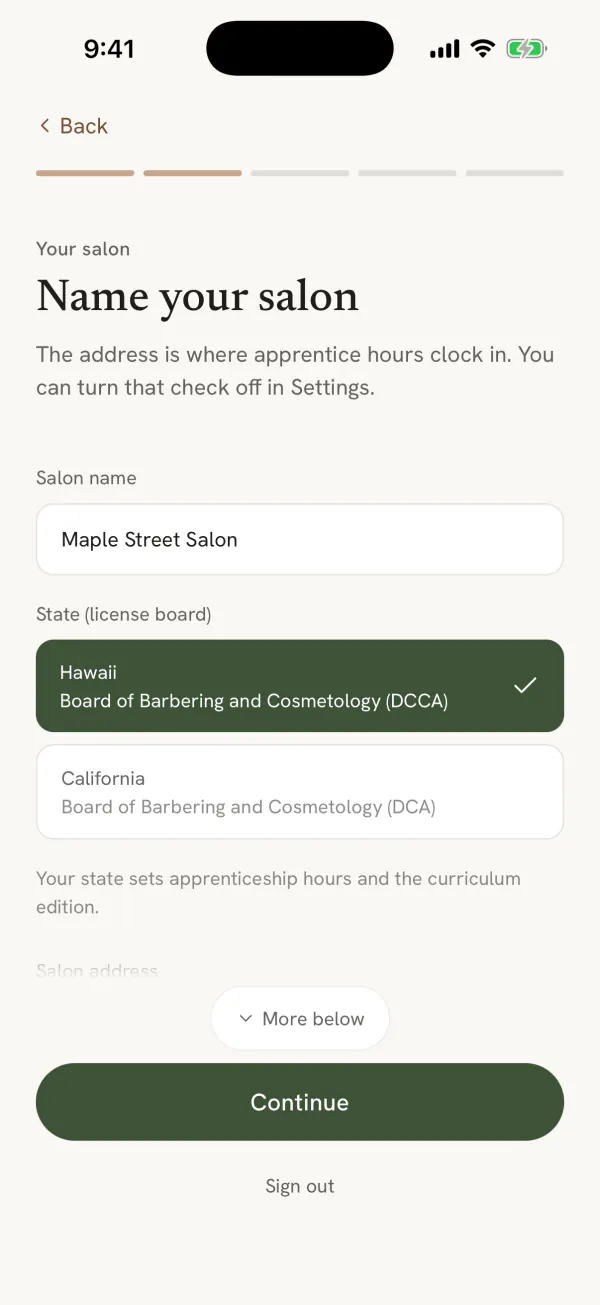
The mentor sets up. They create an account, name the salon and enter its address, take a short tour, read what a mentor takes on, and choose a plan or decide later.
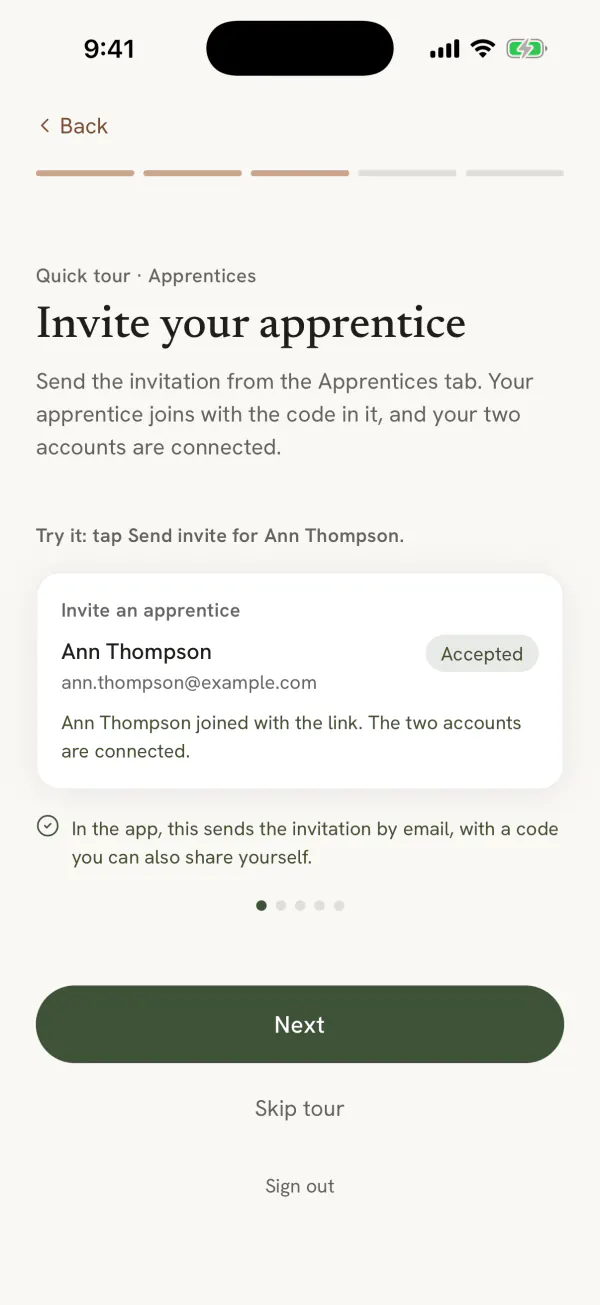
The mentor invites the apprentice. The invitation carries a code. The apprentice enters it in the app and the two accounts are connected.
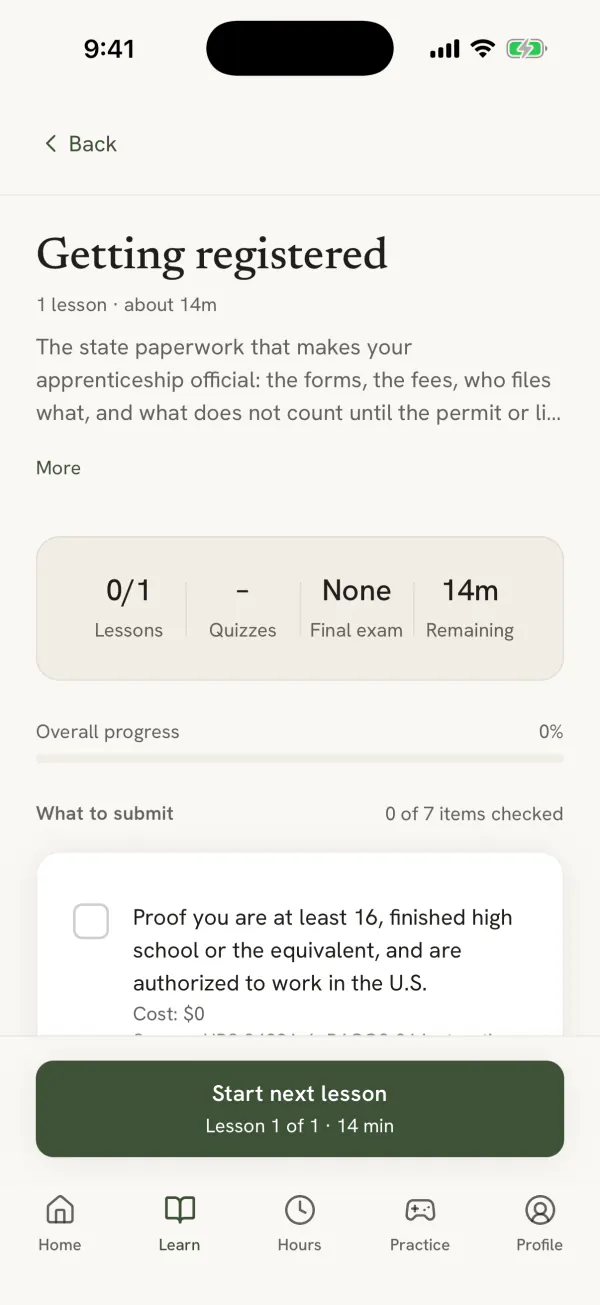
The apprentice gets registered. Nothing counts until the state permit or license exists. The Getting registered module lists the state’s steps.
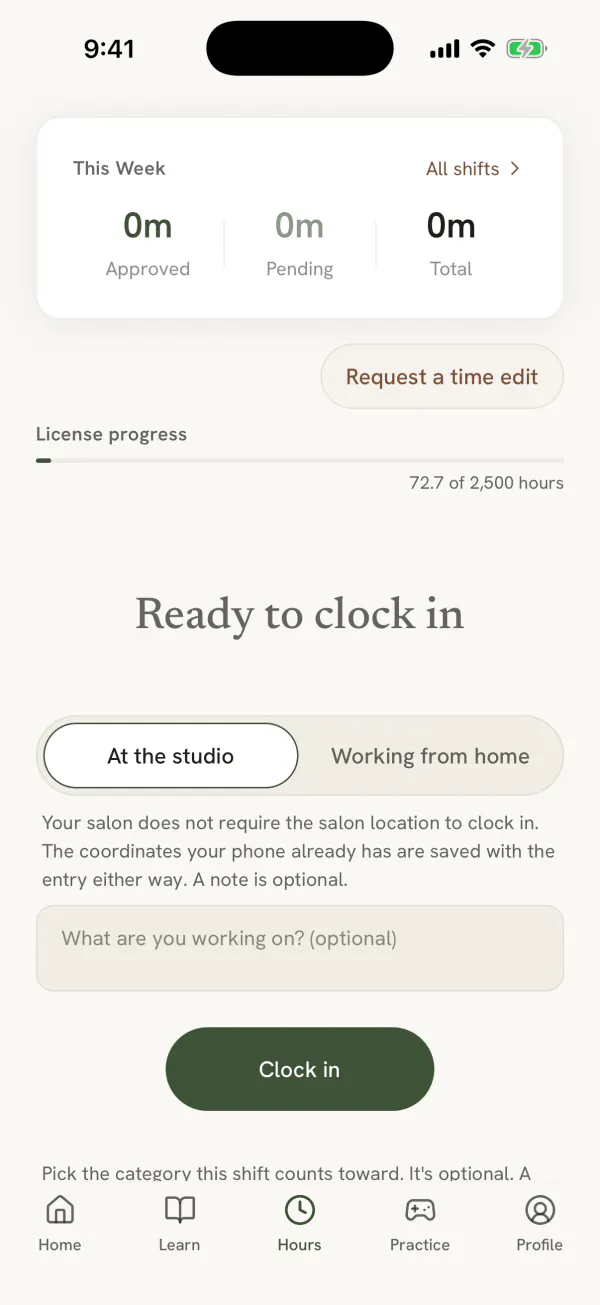
The work begins. The apprentice clocks in at the salon, studies the modules, plays the practice games, and checks off daily tasks. The mentor approves hours, assigns modules, and signs off practicals.
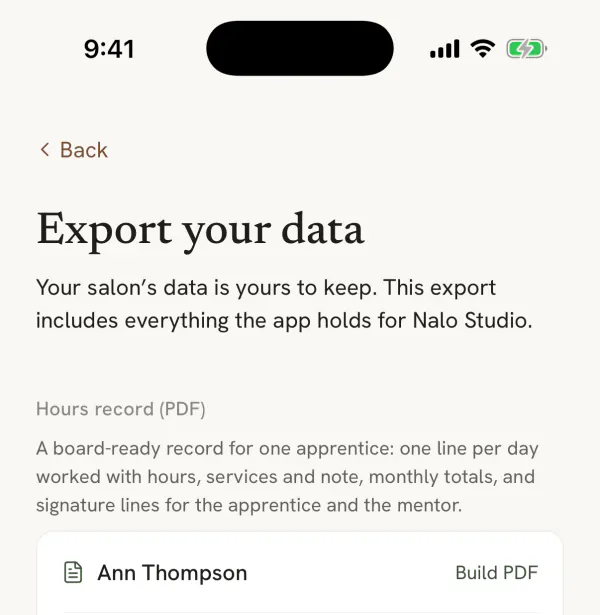
The record is exported. The mentor exports hours, progress, and sign-offs as a PDF for the board.
The shorter version is on How it works.
04Everything in the guide
- MentorsGetting started, each task step by step, and what is expected of a mentor.
- ApprenticesJoining a salon, each task step by step, what is expected of an apprentice, and studying on your own.
- Plans and billingAcademy, Academy Plus, and Study; free trials; canceling, refunds, and restoring a purchase.
- State notesHow Hawaii and California register an apprenticeship.
- QuestionsAnswers grouped by topic, with a search box.
Still stuck? Support lists how to reach a person, at [email protected].